
How do I create an account?
Type your email on the page My account and press «Continue». We email you a six-digit code, you type it, and your account exists. A password is optional.
You need an account to order, and you can create it in a minute, before ordering or while you order at the Checkout page.
Open the page My account
On a computer, click the person icon at the top right of any page. On a phone, tap «Menu» in the bar at the bottom of the screen, then «Sign in or create your account».
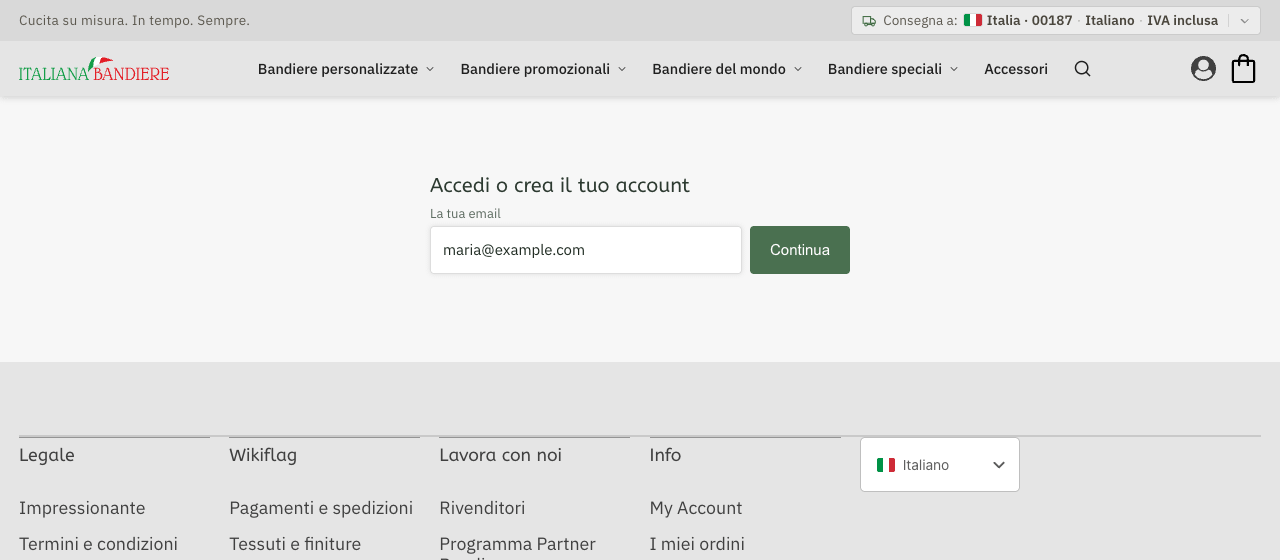
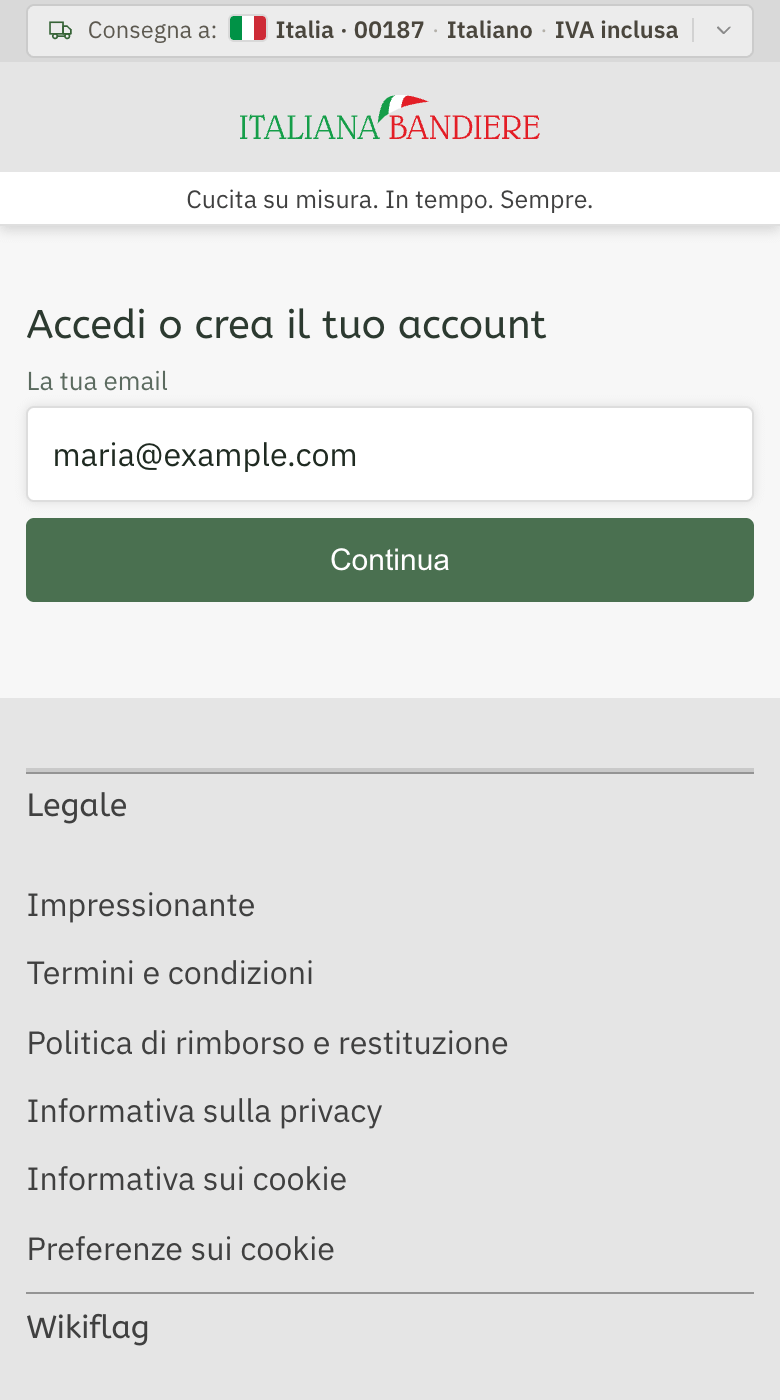
Under «Sign in or create your account» there is one field, «Your email». Type your address and press «Continue».
Type the code we email you
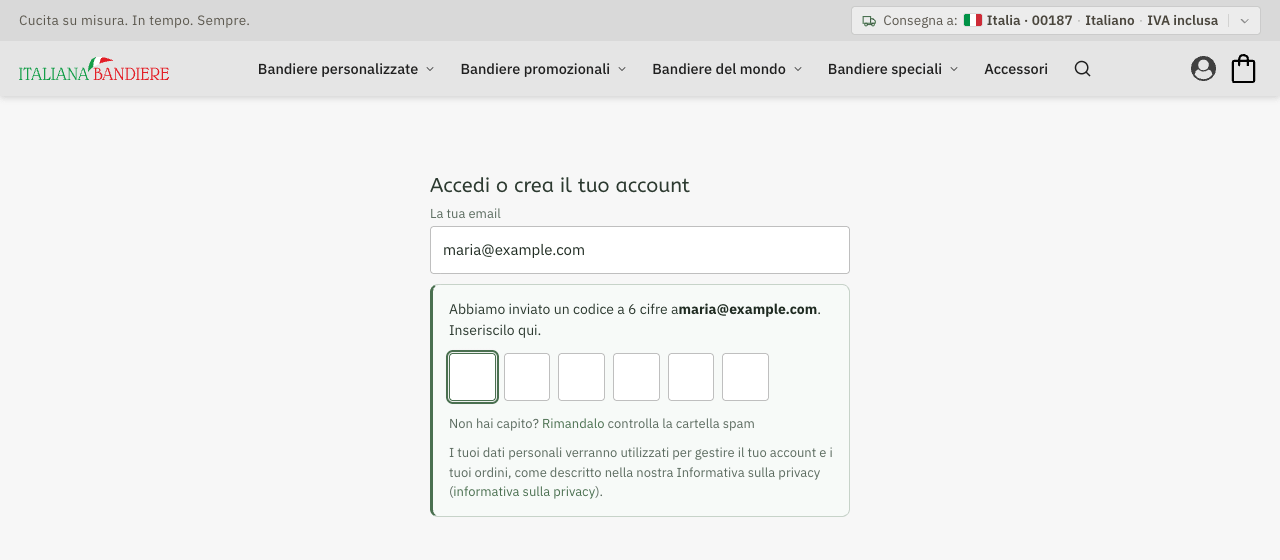
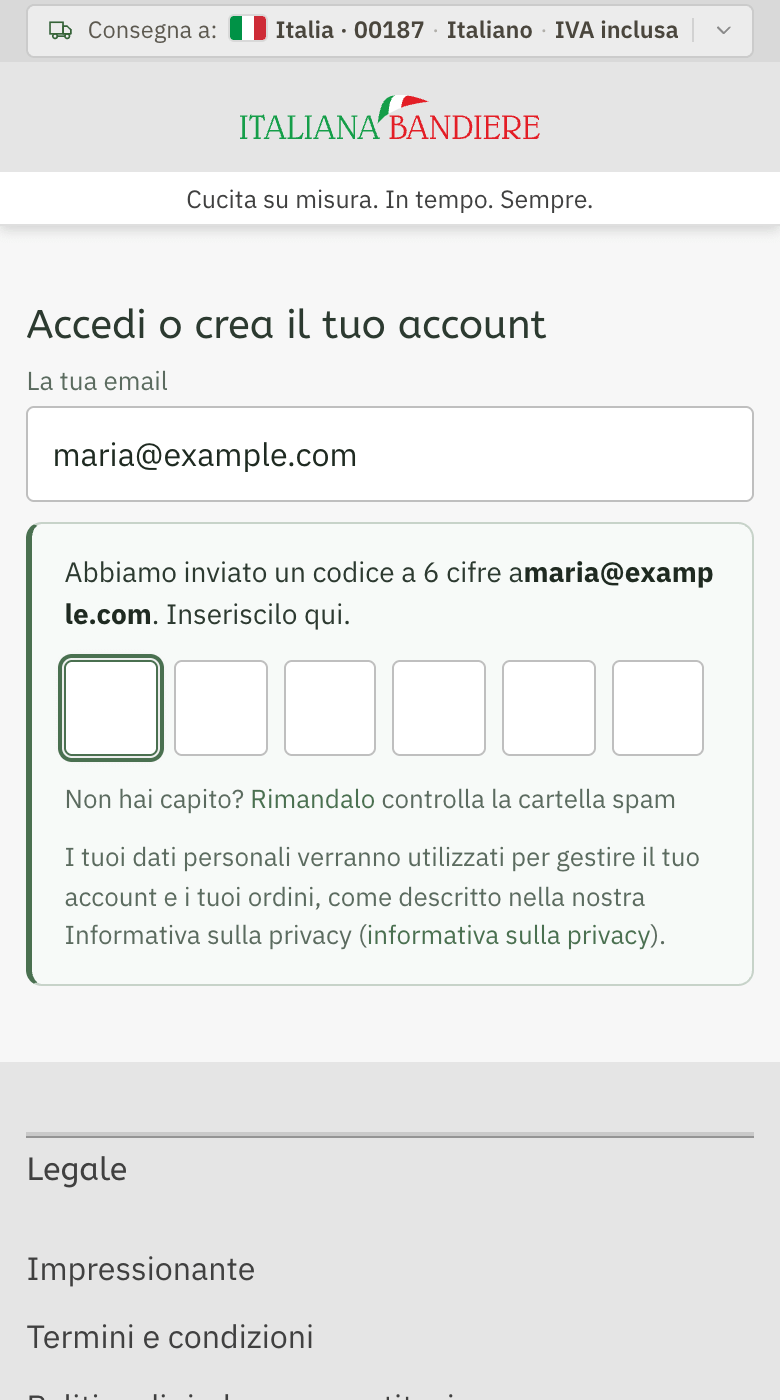
We send a six-digit code to that address. Type it in the six boxes. If it does not arrive, look in your spam folder, or press «Send it again».
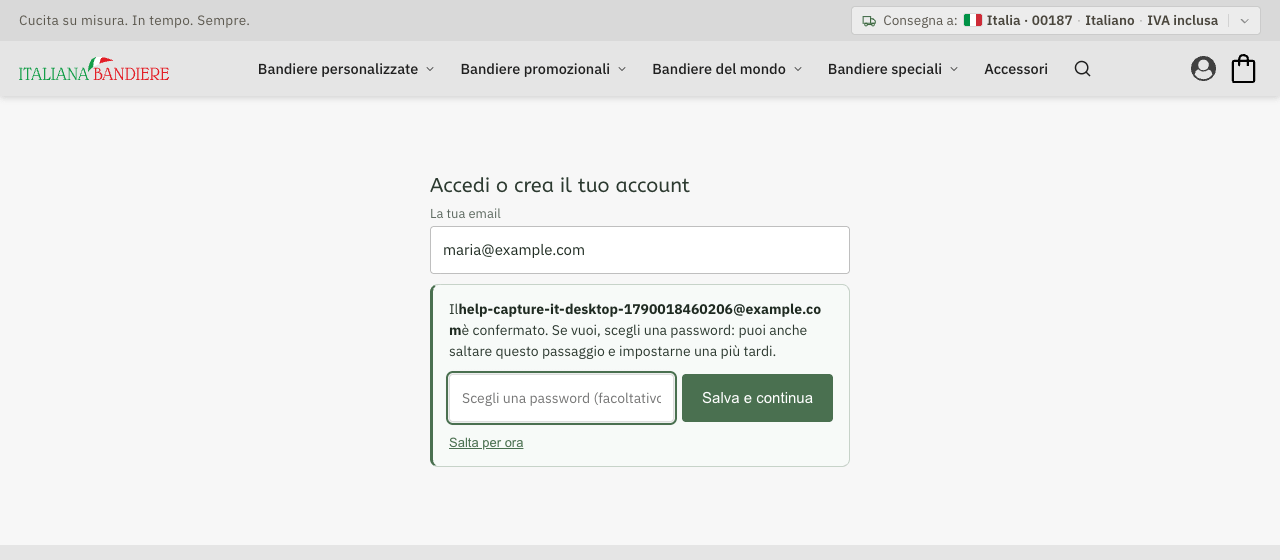
Choose a password, or skip it
As soon as the code is typed, your address is confirmed and the account exists. You can choose a password now and press «Save and continue», or press «Skip for now» and set one later.

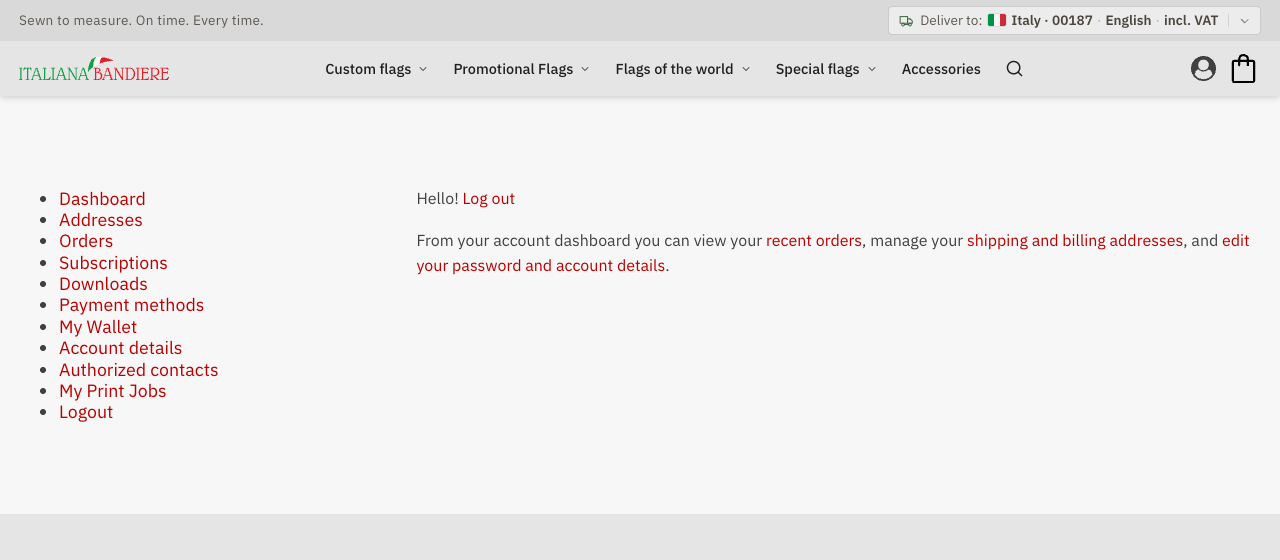
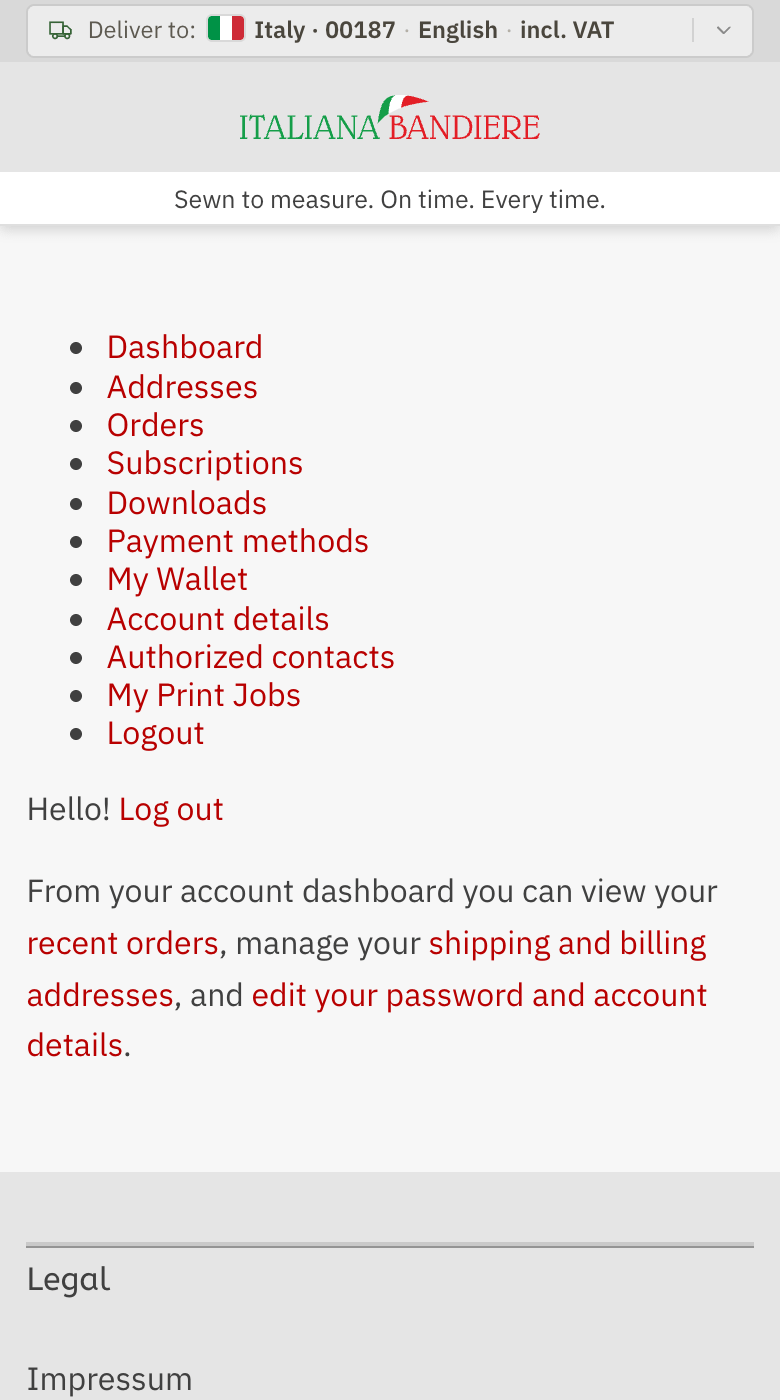
You are in
You land on your account, where you find your orders, your addresses and My Print Jobs.
The next time, type the same address and we ask for your password. If you never chose one, or do not remember it, press «Don't remember it? Log in with a code instead» and we email you a new code.